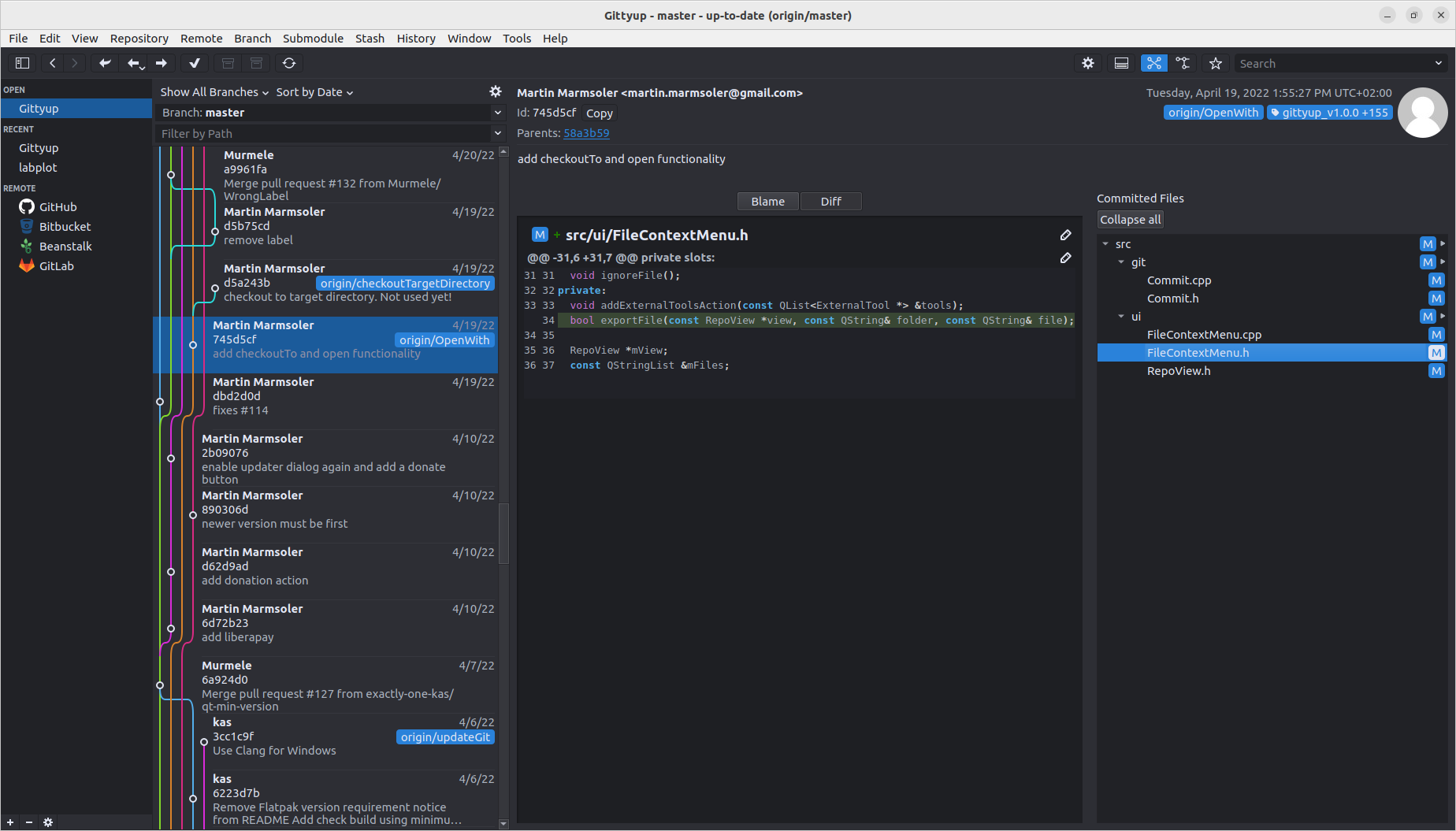
Pawmmit is a graphical Git client designed to help you understand and manage your source code history.
Pawmmit is a fork of Gittyup, which is a continuation of the GitAhead client.
Stable versions for different packages are available for
- Flatpak for Linux
- 32 / 64 binary for Windows or
- macOS or from


The latest development version is available either as pre-built for
- flatpak for Linux,
- 32 / 64 binary for Windows,
- macOS
or, can be built from source by following the directions in the Pawmmit Repository.
To see the changes of the current version please have a look at the changelog section
How to Get Help
Ask questions about building or using Pawmmit on
Stack Overflow by
including the pawmmit tag. Remember to search for existing questions
before creating a new one.
Report bugs in Pawmmit by opening an issue in the issue tracker. Remember to search for existing issues before creating a new one.
Multi language support
Pawmmit supports the following languages:
- English (en)
- German (de)
- Spanisch (es)
- Japanese (ja)
- Portuguese (pt)
- Portuguese Brazil (pt_BR)
- Chinese (zh_CN)
- Russian (ru)
By default the system language is used. To switch to another language execute the application with the following command
LANG=<lang> <executable>
Features
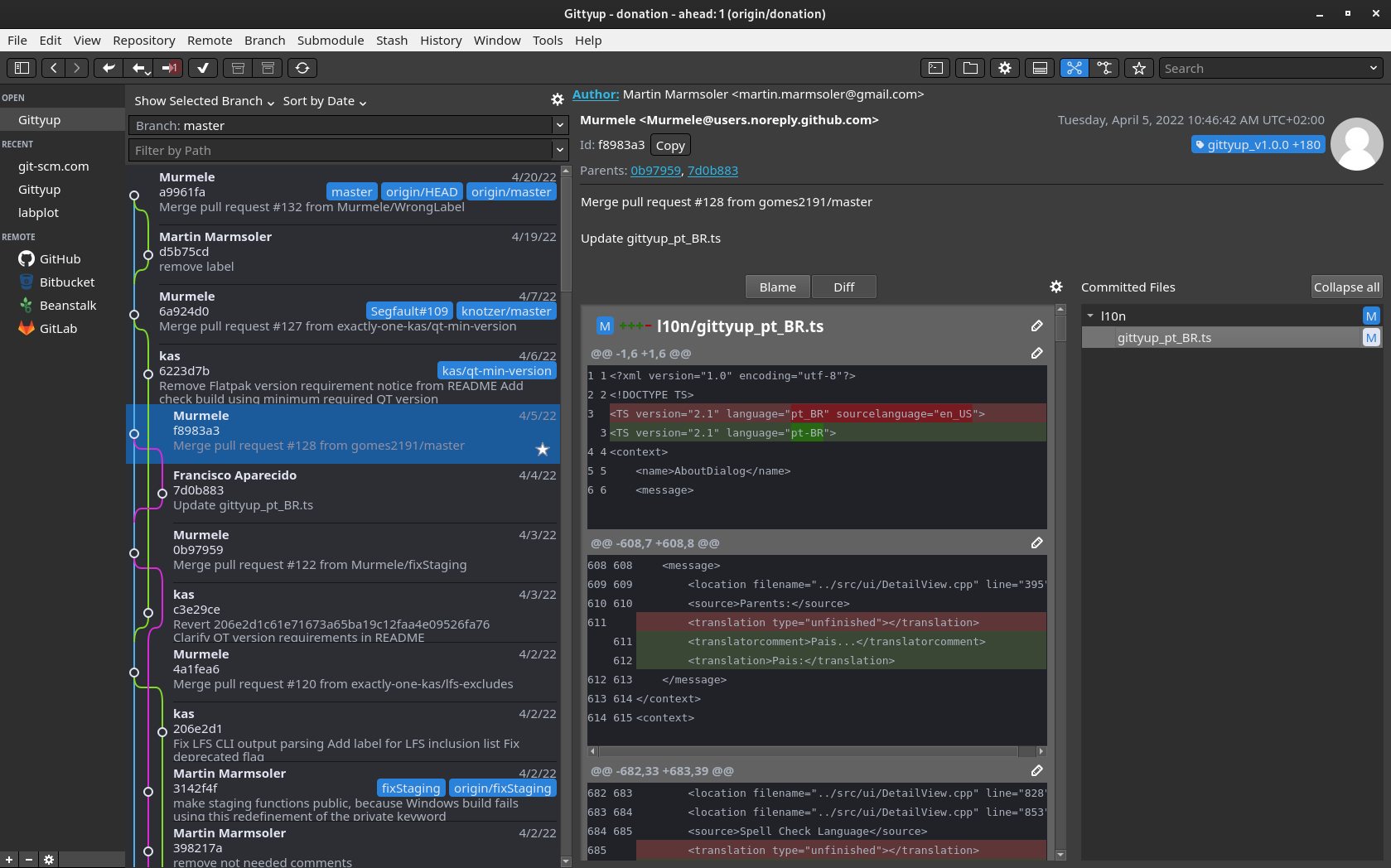
Single branch view to focus on your work
Select “Show Selected Branch” in the drop down menu above the commit list
Fullscreen
of the history or the change dialog by pressing Ctrl+M
Tabs
to be able to switch fast between repositories
Diff View
Staging and unstaging changes, viewing Blame
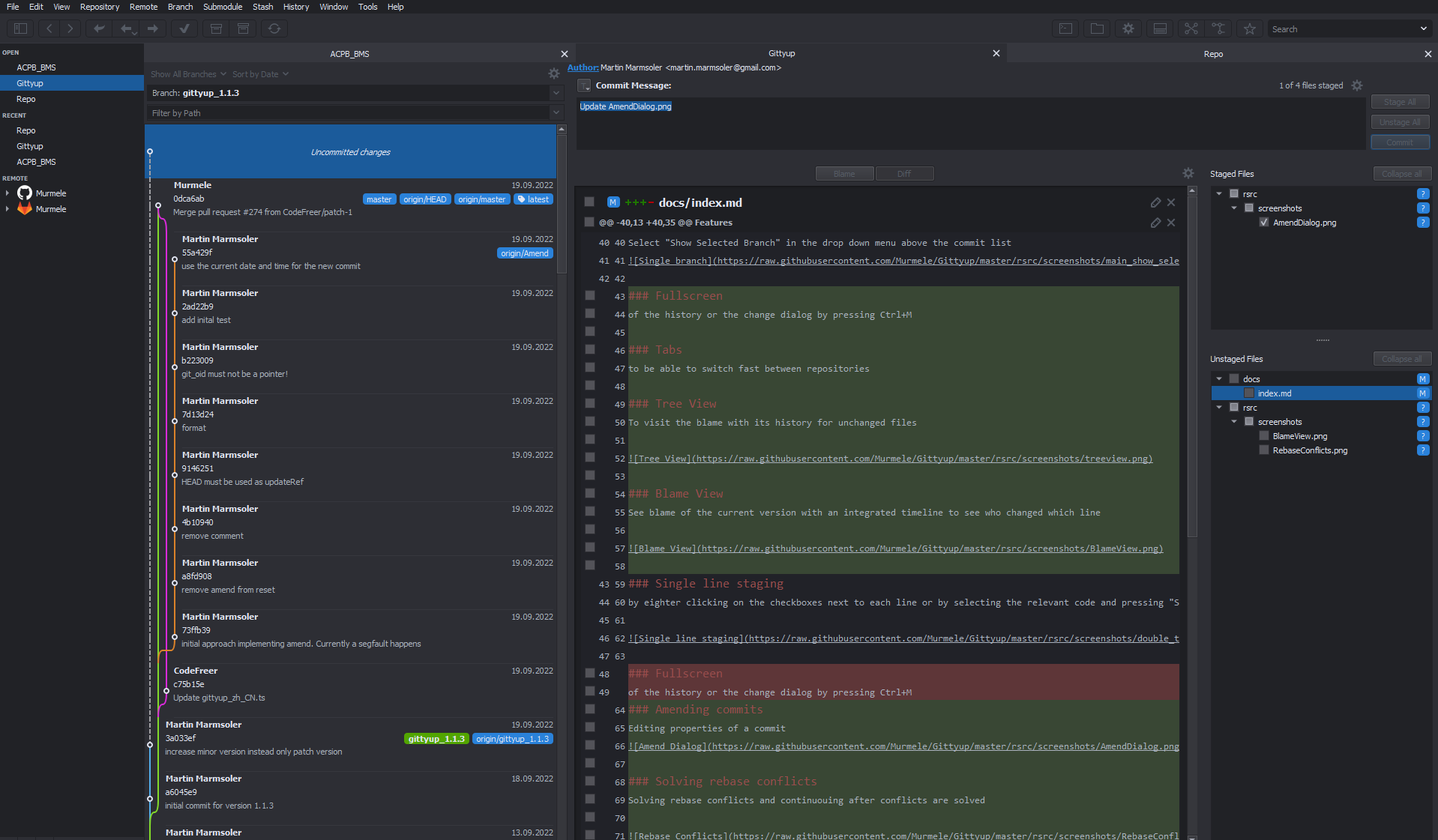
Tree View
To visit the blame with its history for unchanged files
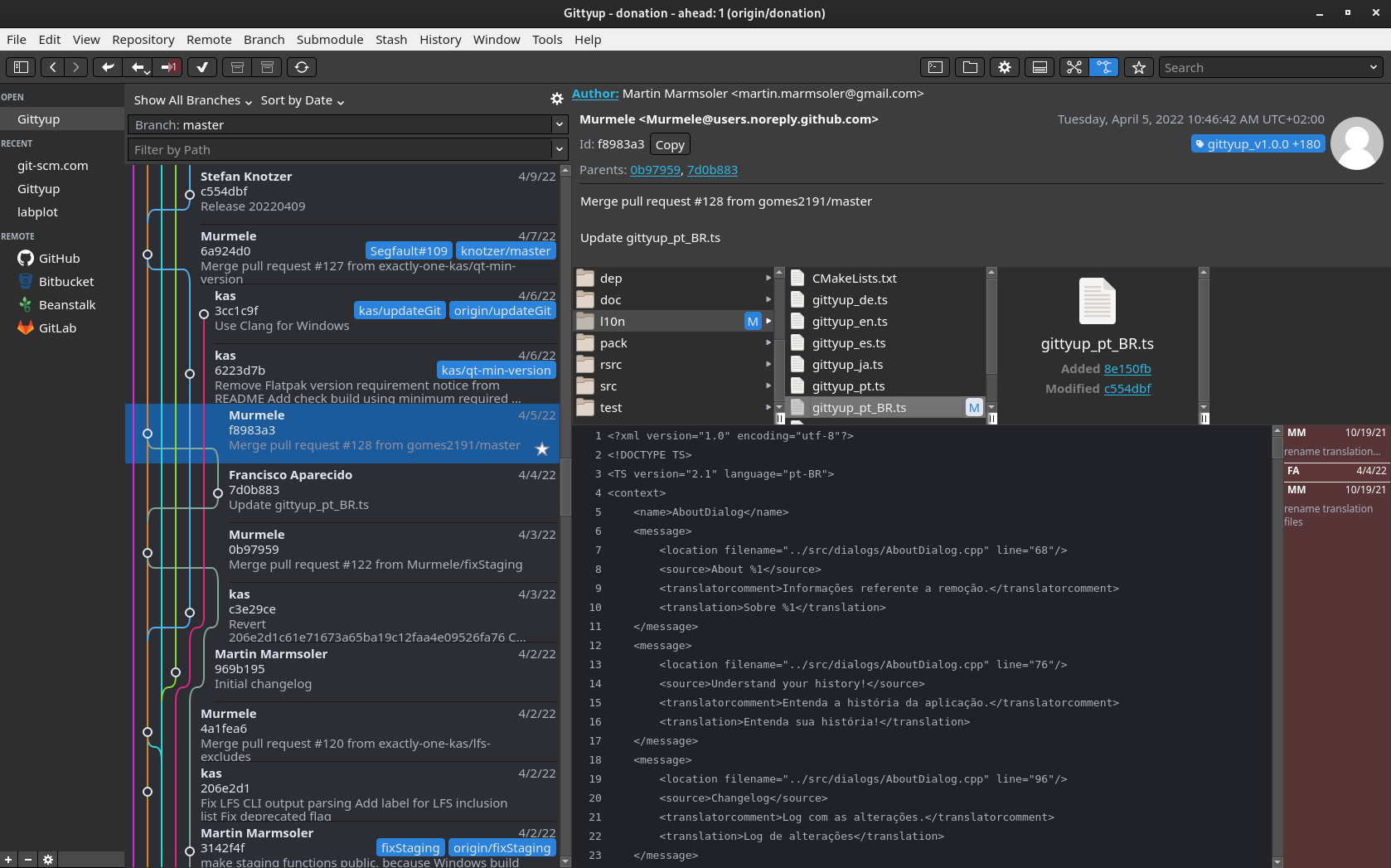
Blame View
See blame of the current version with an integrated timeline to see who changed which line

Dynamic Line Wrapping
Courtesy of Scintilla.

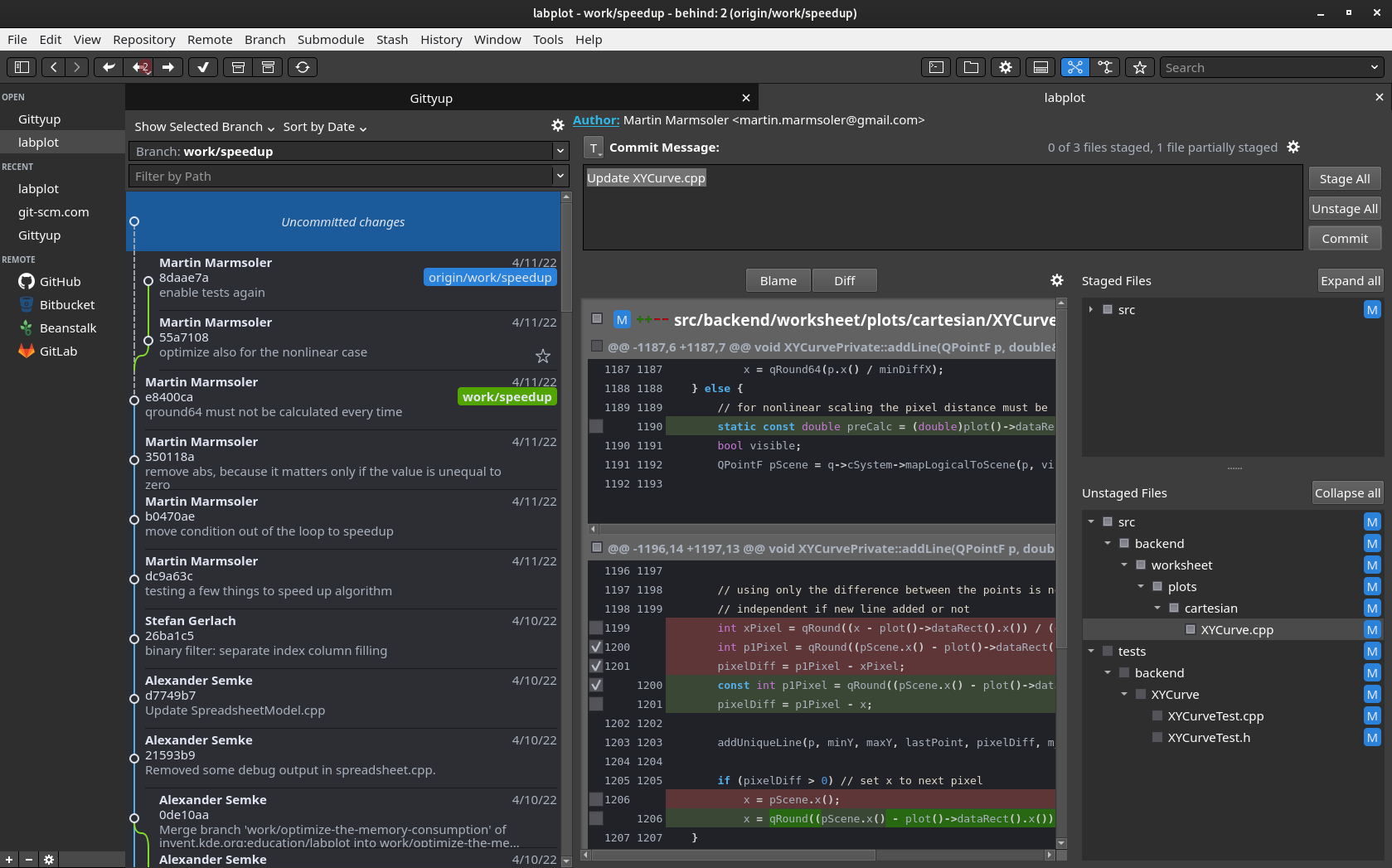
Single line staging
by eighter clicking on the checkboxes next to each line or by selecting the relevant code and pressing “S”. For unstaging you can uncheck the checkboxes or press “U”. To revert changes, select the text and press “R”.
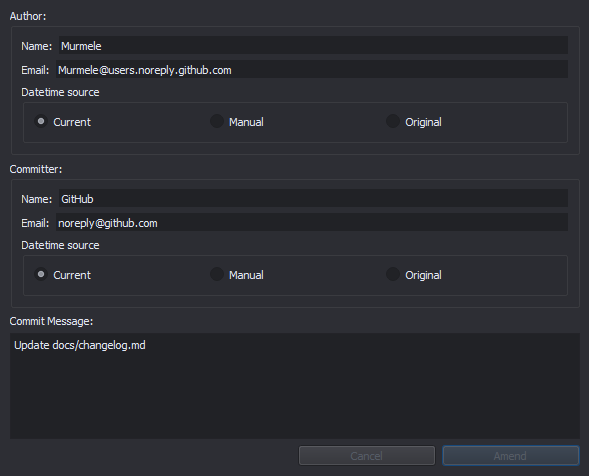
Amending commits
Editing properties of a commit
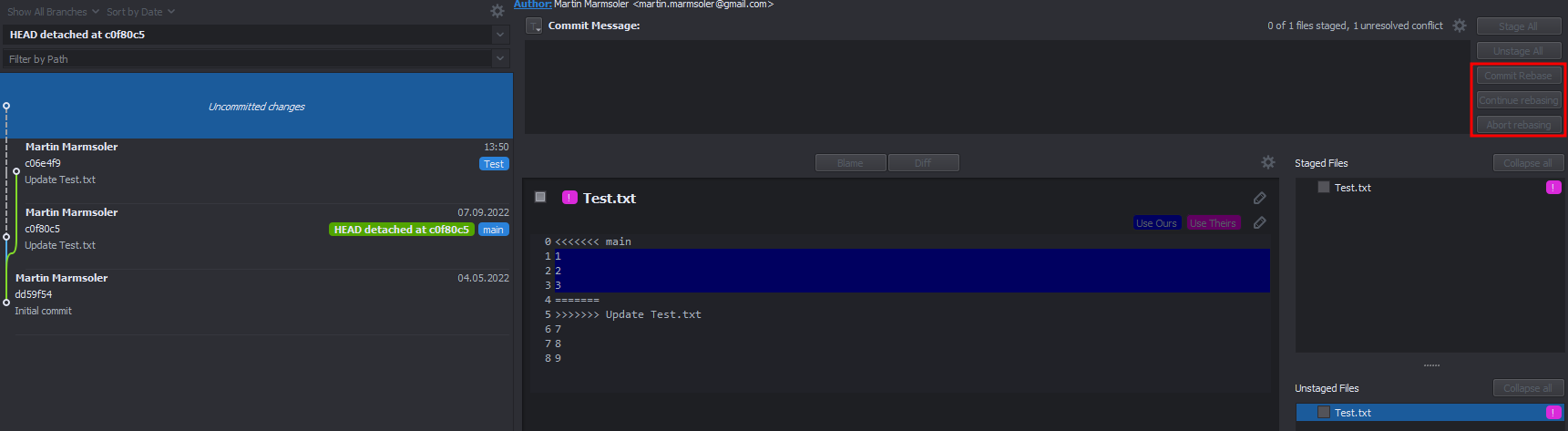
Solving rebase conflicts
Solving rebase conflicts and continuing after conflicts are solved
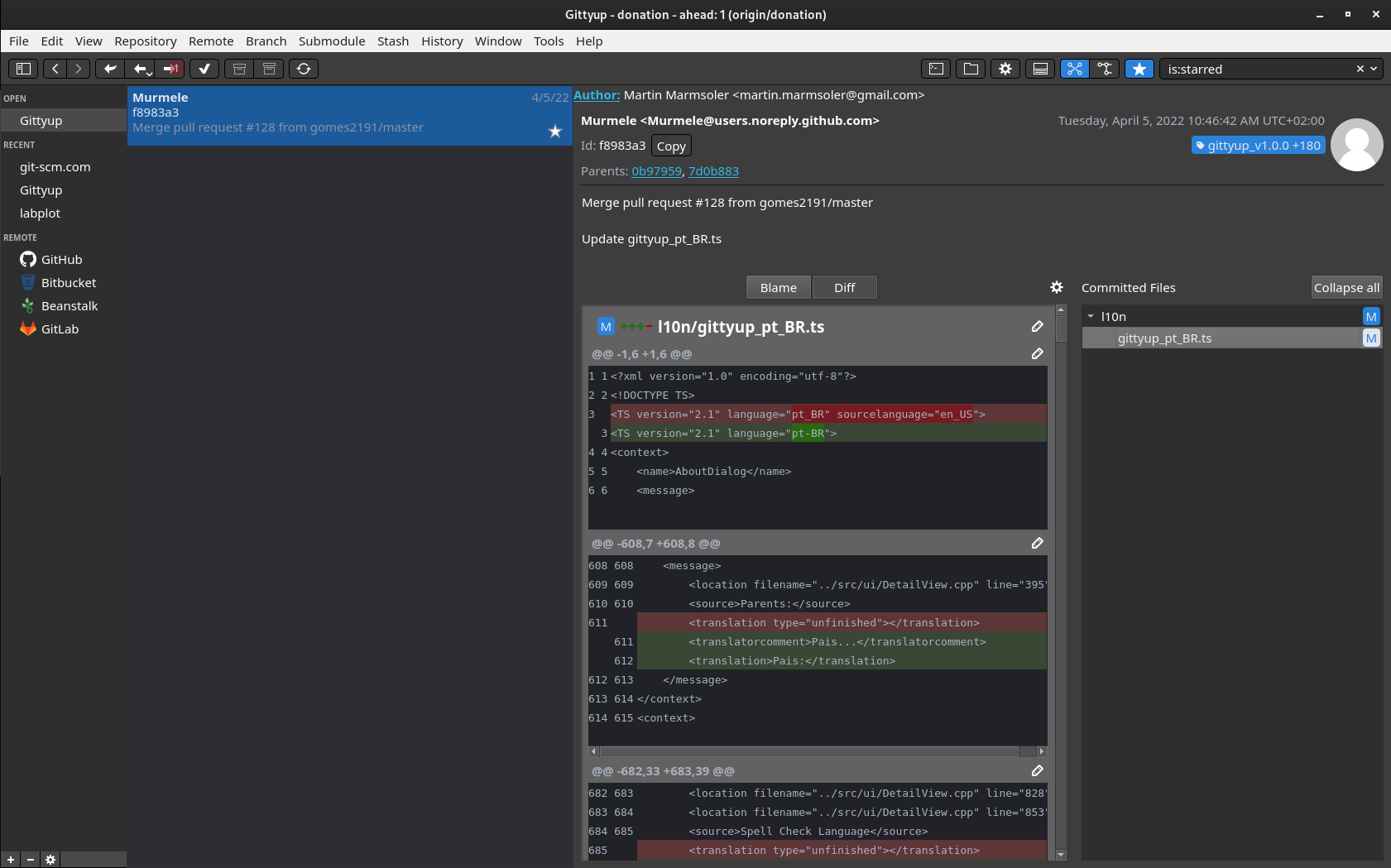
Starring commits
to find specific commits much faster
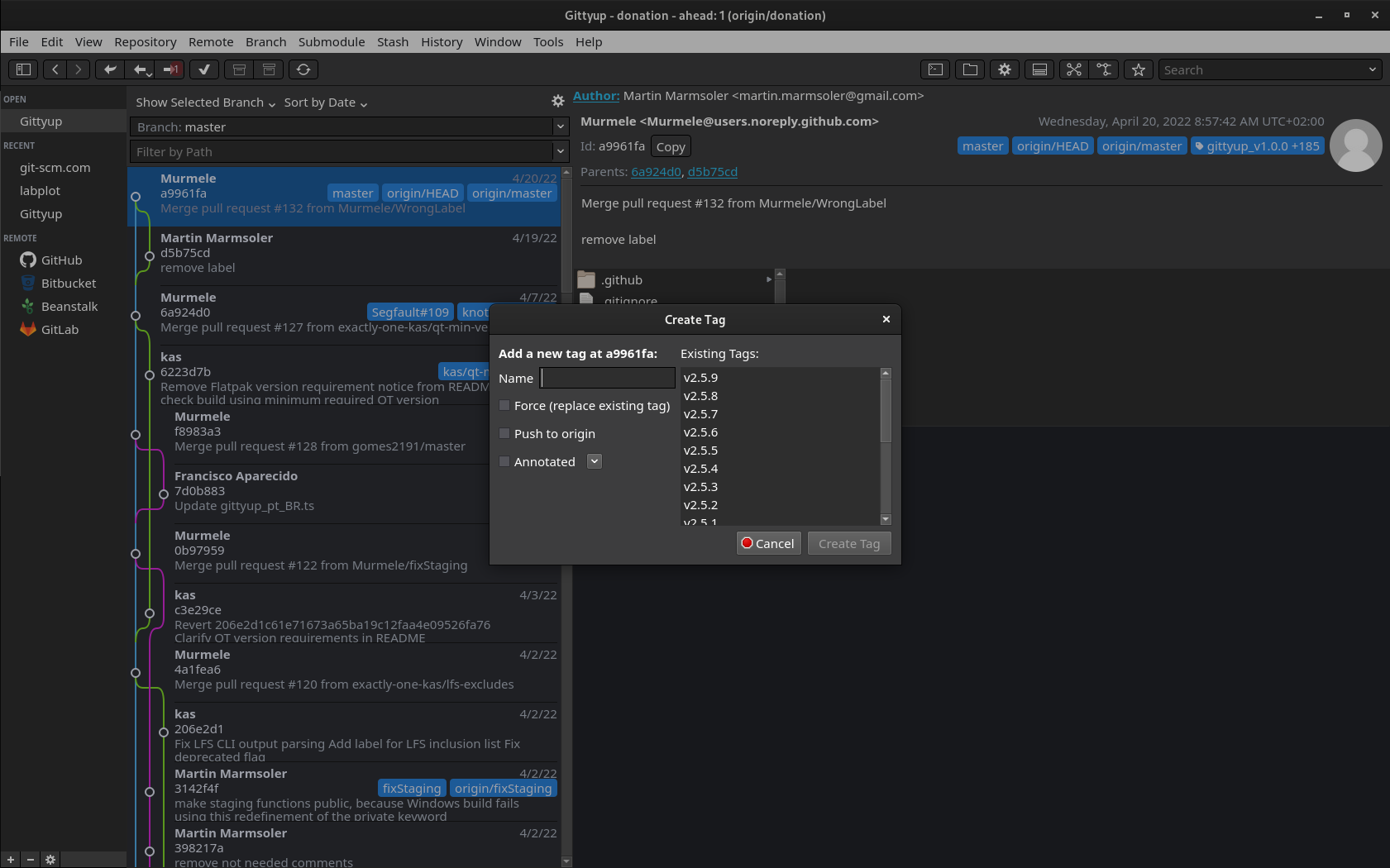
Tag selection
Use an existing tag as template for your next tag. So you never have to look which is your latest tag
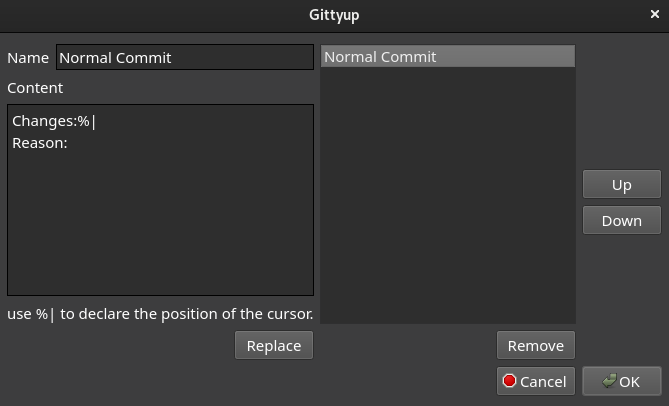
Commit message template
Create you commit messages according a defined template. The first template is automatically applied to the commit message editor.

And a lot more …
Changelog
See the releases page on GitHub for release notes.